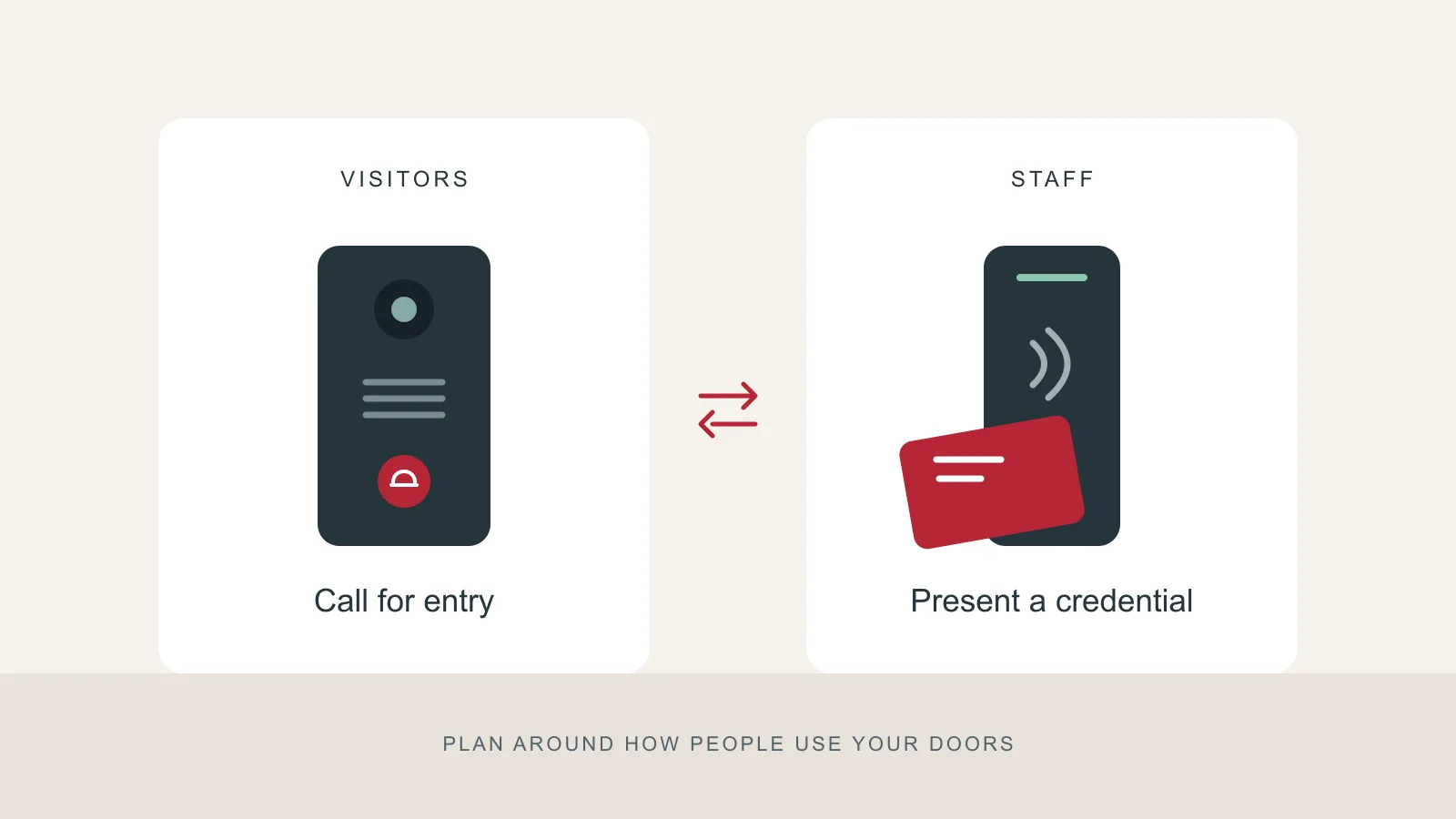
A locked entrance needs a workable routine. Who answers when a courier arrives? How do staff get in before reception opens? What happens when someone loses a key?
Intercoms and access control address different parts of that routine. You may need one, or a combination at the same entrance.
Choose around the person at the door
An intercom gives a visitor a way to contact someone inside. Depending on the installation, staff can speak with the visitor, see them on a video station, or release a compatible electronic lock. Specify which of those functions you need; the word “intercom” alone does not confirm them.
Access control is for people who already have permission to enter. A compatible reader and credential can replace the daily handover of a shared key. Available permissions, schedules and activity records depend on the system you select.
| Daily situation | Option to discuss | Question to resolve |
|---|---|---|
| Clients arrive for appointments | Intercom | Who answers if reception is away? |
| Staff arrive at different times | Access control | Which doors and hours should each role allow? |
| Couriers use a rear entrance | Intercom | Where should the call be received? |
| Staff and visitors share a locked door | Both | How will the two systems operate the same lock? |
Walk through an ordinary day
List the people using each entrance: employees, clients, cleaners and deliveries. Then record the earliest arrival, the latest departure and the periods when nobody can answer a call.
For example, an office could discuss credentials for staff and an intercom for appointments. This is a planning example, not a description of a RedFlag installation. If visitors routinely arrive when nobody is available, decide how they will be received before selecting equipment.
Check the door before choosing the device
Ask the installer to assess the door, frame, locking hardware, power and wiring route together. Bring any requirements from your landlord or building manager. A useful quotation should explain the proposed entry routine and identify features that require particular equipment or service plans.
Also agree who will administer the system. Someone needs responsibility for new users, lost credentials and permission changes. Ask to see how those tasks work before committing to a platform.
Prepare a useful assessment brief
Write down three things for each door: who needs entry, when they need it, and who handles exceptions. Include photos of the door and frame if you have them.
Bring that brief to a RedFlag Security assessment. It gives the conversation a practical starting point and helps keep the proposal tied to how your business operates.